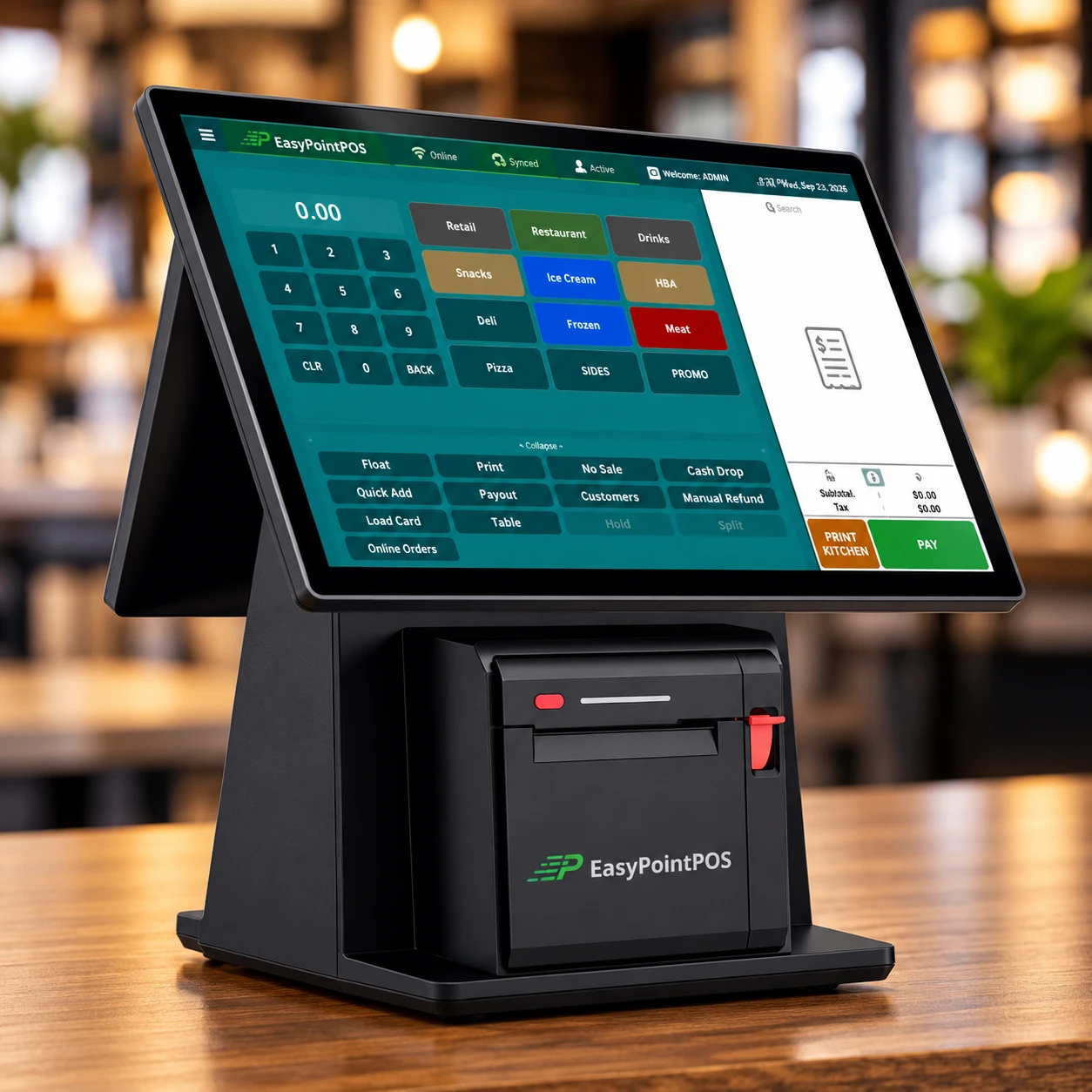
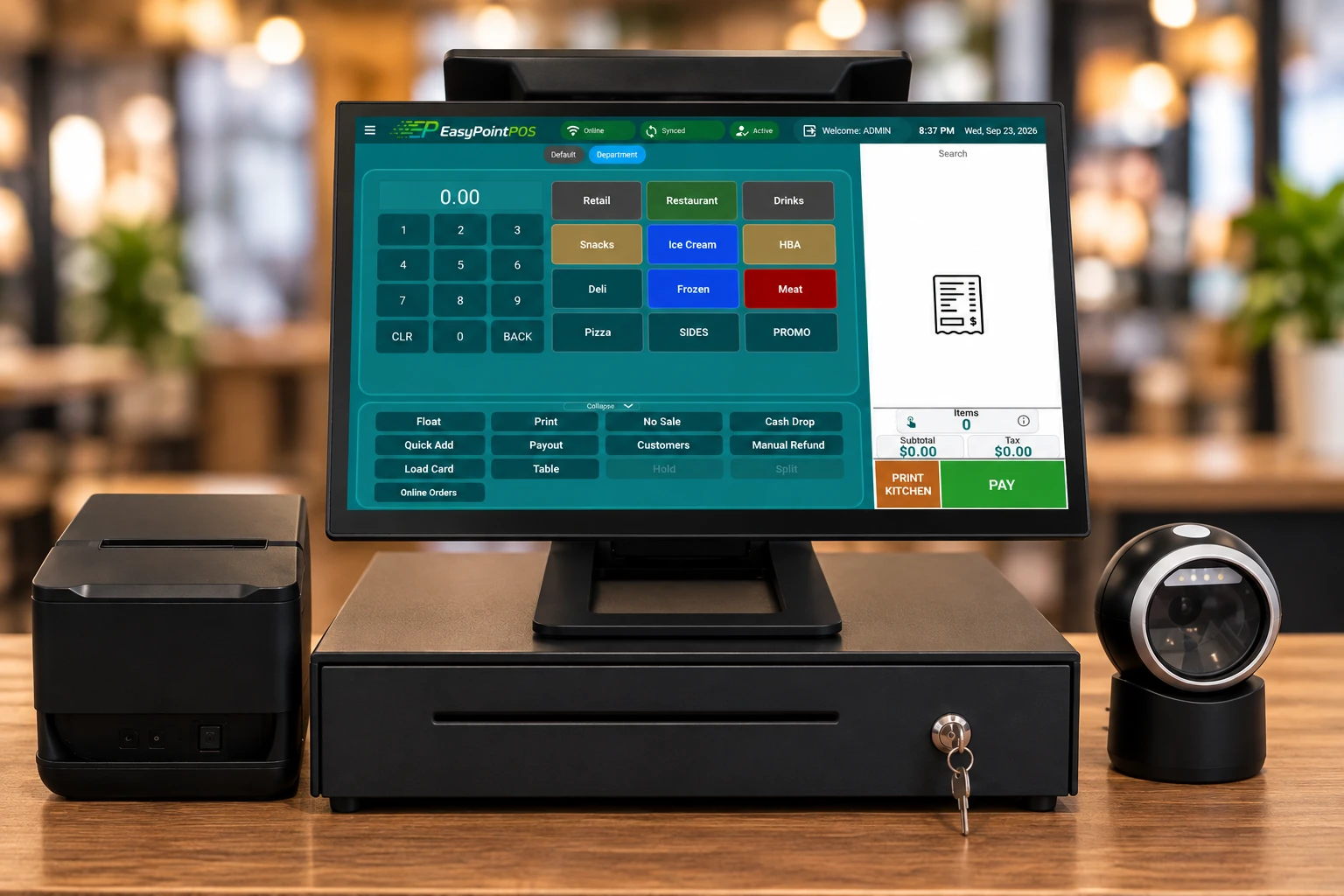
Keep a tab open, add rounds from any register, split it four ways when the night ends and let the pinpad ask for the tip. EasyPoint is built for a busy bar, and it keeps ringing when the Wi-Fi drops.
No long-term contractRuns on hardware you ownA named support agent
Tabs
Keep a tab open, add rounds from any register, close from whichever is nearest.
Split
Checks split by seat, by item or evenly, without re-ringing a thing.
0%
Card processing cost to you on the dual-pricing program.
No contract
Month to month. Leave whenever you like and keep the hardware you bought.
What it handles
Everything a bar throws at a register
Open tabs on a card Coming soonStart a tab with the customer's card, add to it from any register on the floor, and close it in one tap. No paper, no lost tickets, no arguing at last call.
Split checks in secondsBy seat, by item or evenly. The register does the arithmetic and each guest gets their own receipt and their own tip prompt.
Tips on the pinpadThe terminal asks for the tip, never your bartender. Tips land on the shift report so payouts are right the first time.
Happy hour by the clock Coming soonDay-part pricing switches on and off on schedule. Nobody has to remember to change a price or ring an override.
Kitchen display for the food sideWings and burgers hit the kitchen screen the second they are rung, from the bar or from an online order, and get bumped as they go out.
Sells with no signalIf the internet drops on a Saturday night the register keeps taking orders and cards, then catches up on its own when it is back.
Behind the bar
Fast when it is three deep
Modifiers for every pour, one-tap repeats for the regulars, and a customer-facing screen that shows the tab so nobody disputes it later.
Rounds added to an open tab from any register
Tips prompted on the pinpad, not by your staff
End-of-night totals that match the drawer and the card batch
What it costs
Priced per register, month to month
No contract, no setup surprise. The register is a monthly plan per device, the card processing is a program you choose, and the hardware is bought once and stays yours.
What does a bar POS need that a normal register does not?
Tabs that stay open, checks that split without re-ringing, and tips prompted on the terminal. EasyPoint does all three on the same register you would use for a restaurant or a shop. Tabs held on a card and scheduled happy-hour pricing are coming soon.
Can customers keep a tab open on their card?
Holding a tab on a card is coming soon. Today a tab is an open check: start it under a name or a seat, add rounds from any register, and close it from whichever one is nearest. Each tab shows on the customer-facing screen so there are no surprises at the end of the night.
How does it handle split checks?
Split by seat, by item or evenly. Every guest gets their own receipt and their own tip prompt on the pinpad, and the shift report shows the tips per bartender.
What does a bar POS system cost?
You pay per register, per month, with no contract. Card processing on the dual-pricing program costs you nothing. Current plan prices are on the pricing page, and hardware is quoted up front and stays yours.